For Teachers: Support for Every Student, Class Coins and Screens That Fit
Geocore Education puts a live geography game on your classroom's projector, free to host, while students join from their own devices with a code and a nickname. This update is for the teacher at the front of the room: support you can give one student without singling them out, class coins that reward right answers, a teacher's screen that fits a laptop, and more control over who the projector calls on. Host a class.
Support for one student
On your screen, choose any student by nickname and give them what they need, for this class only:
- Extra time: time and a half, or double time, on every round's clock.
- Larger text: their device draws the game larger.
- Read aloud: their device reads each question out, using the browser's own voices where it has one.
- Colour-blind colours: right and wrong drawn in colours that do not rely on red and green, with shapes as well.
- Calm motion: their device turns animations off.
Only that student's device and your screen show it. The projector keeps the class's usual clock, then shows "Finishing up…" while anyone with extra time answers, so nobody is named as having more time. Nothing is kept once the class ends.
Tip: because you set it from your own screen, a student never has to ask for support in front of the class. A quiet word before the lesson is enough.
Class coins
Turn on Class coins in the class options, and every right answer earns 10 coins, with 5 more on a streak. Between games, students spend them in the class shop on flair that the projector shows beside their avatar: a compass rose, a map pin, a summit, a globe, an explorer's star, and the crown of the map for the patient saver.
There's no real money and no chance. Coins can't be bought, swapped or kept, the flair is only ever cosmetic, and it all goes when the class ends.
Screens that fit
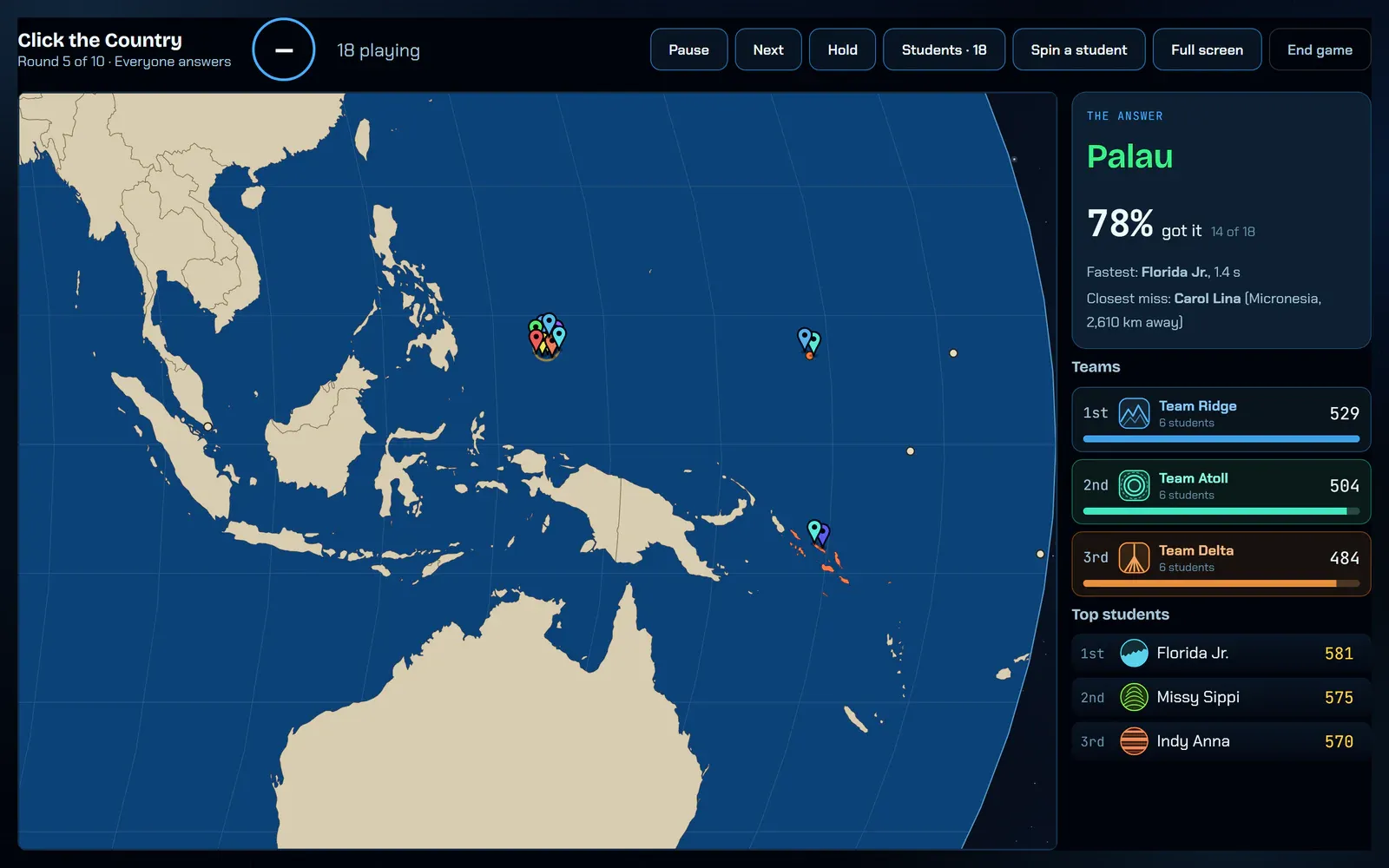
The teacher's screen now fits a laptop window, with a compact layout for running the class. Press Full screen and it switches to the large projector layout the back row can read. Setting up a game is three clear parts, Game, Options and Class, with cover cards to pick from, and every option explained beside it.
Running the room
- Spotlight: pick one student from the class list for the projector to call on, as Spin a student does at random.
- Hide one name: keep a single student's nickname off the projector, without hiding everyone's.
- Who has answered: the class list shows each student's status before the round closes.
- Reports keep everyone: the class report and its CSV download now include every student who played, even one who left before the end.
Related reading
- For teachers: what works in a classroom today
- Geocore Education: live classroom games, and plans for schools
- The Geocore Team